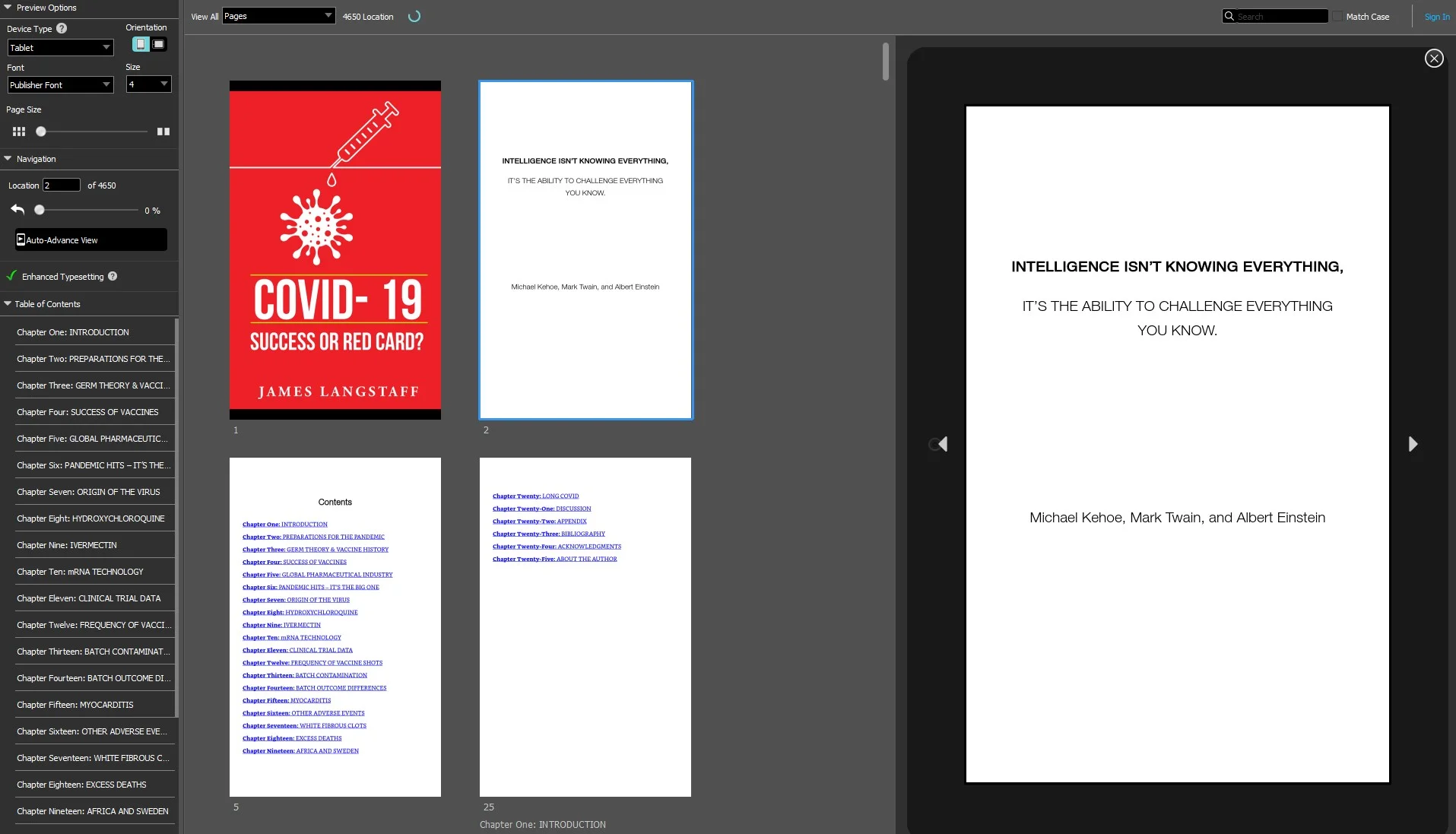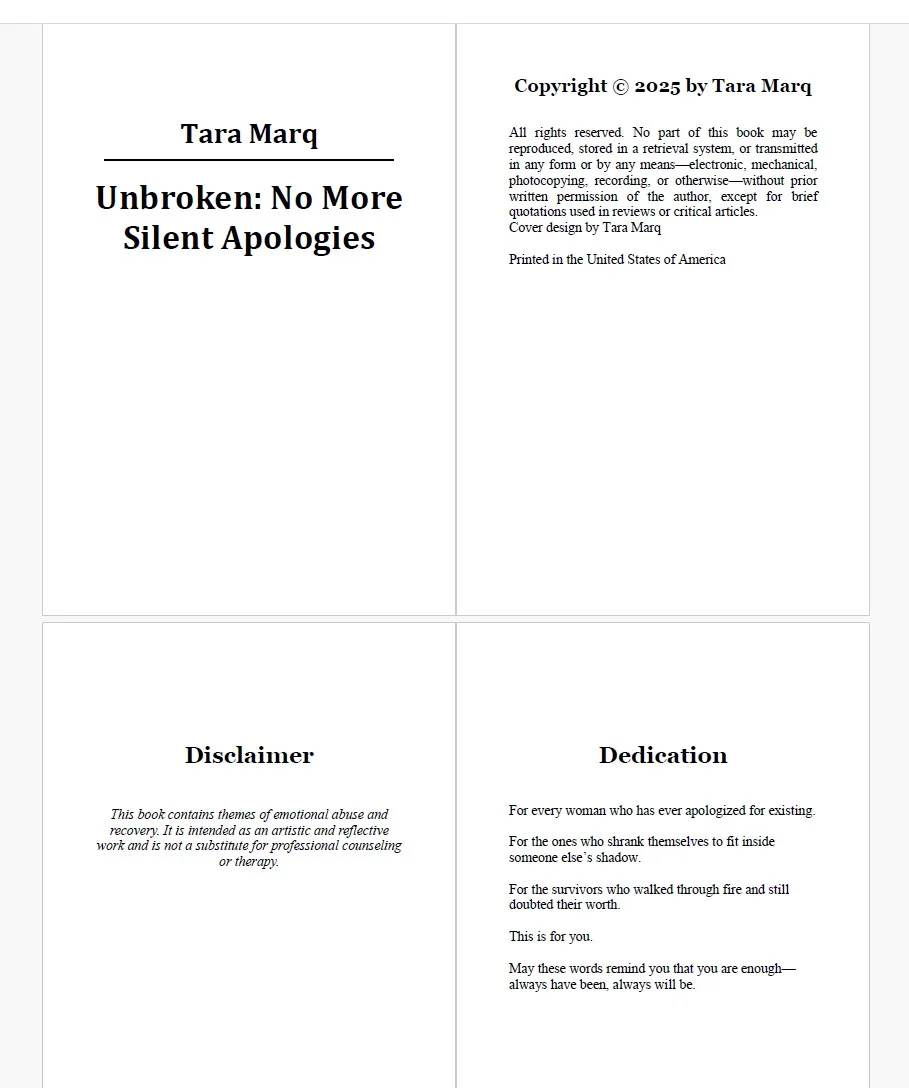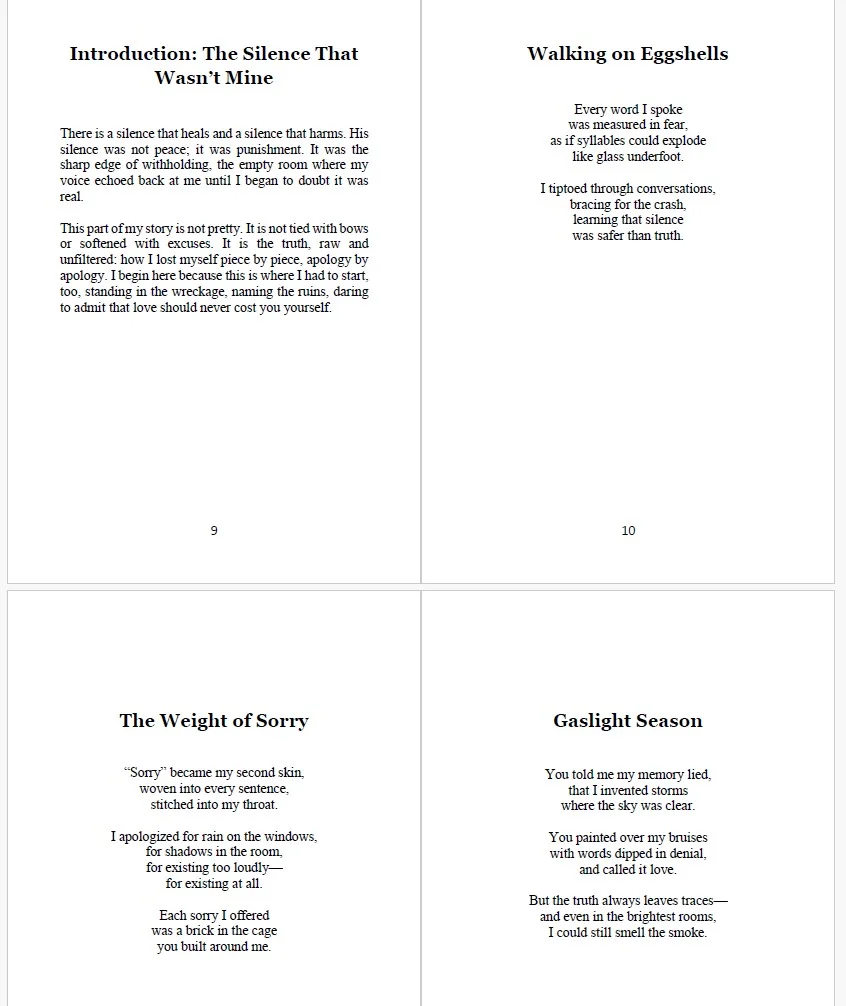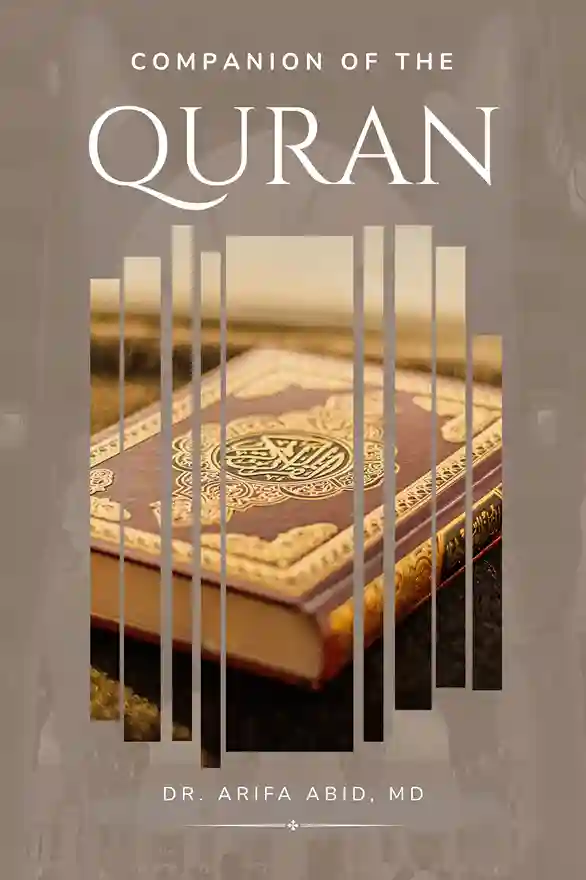
Formatting your manuscript for Amazon KDP doesn't have to be overwhelming. This guide will help you understand the general requirements and best practices for all book formats.
General Guidelines
- Use clean, professional manuscript files.
- Keep consistent font styles and sizes.
- Use standard margins and spacing appropriate for your chosen format.
- Insert page numbers, headers, and chapter breaks consistently.
- Ensure images and illustrations are high-resolution and properly placed.
Depending on the format of your book, you may need specific settings:
- EPUB / eBook Formatting Guide — for Kindle and other ebook readers.
- Paperback Formatting Guide — for standard print books.
- Hardback Formatting Guide — for hardcover editions.
Exporting Your Manuscript
Once formatting is complete, export your manuscript according to KDP requirements:
- eBooks: EPUB or MOBI (for older Kindle devices).
- Print books: PDF with embedded fonts and proper trim size.
- Always preview your file in KDP's previewer before publishing.
For more detailed instructions and format-specific tips, follow the links above to each guide.