Paperback books require precise page size, margins, and layout to ensure a professional print product. Follow KDP's print specifications carefully.
Step 1: Choose the Correct Trim Size
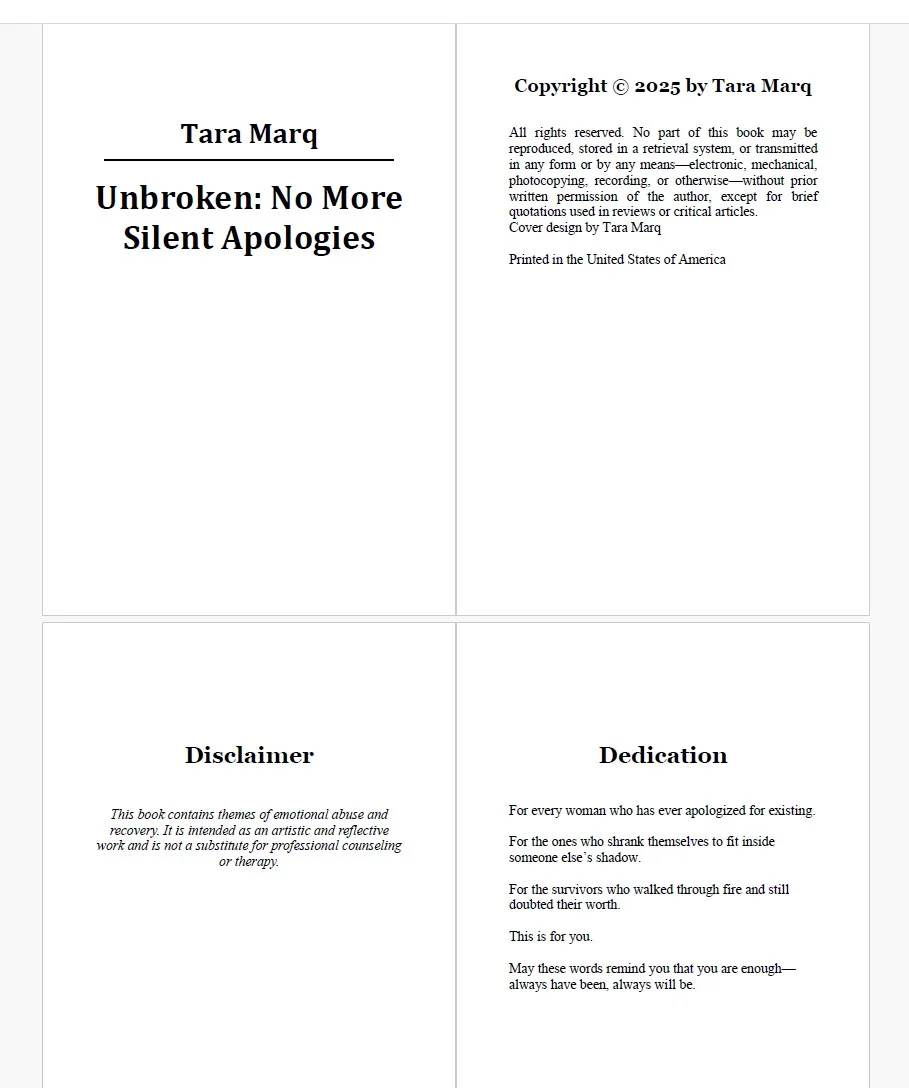
Select a trim size compatible with KDP’s paperback options (e.g., 6x9, 5.5x8.5, etc.).
Step 2: Set Margins & Gutters
Include proper inside margins (gutter) to avoid text being too close to the spine. KDP recommends 0.75 inches or more depending on page count.
Step 3: Use Embedded Fonts & Styles
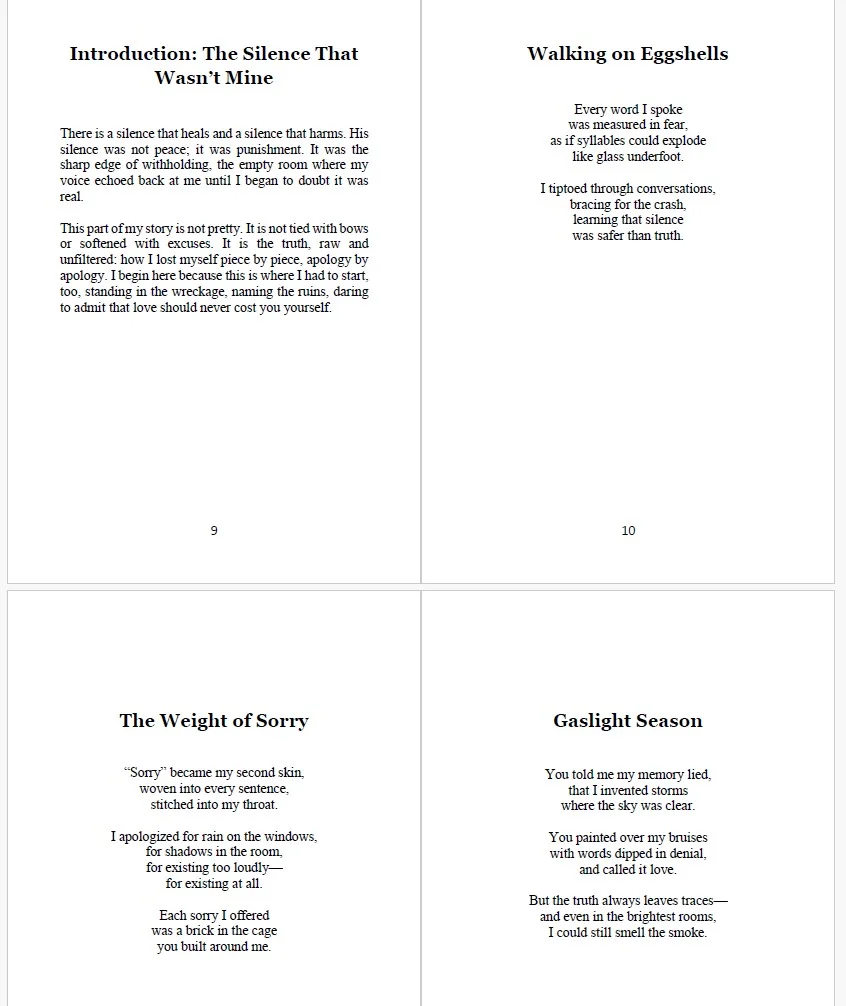
Ensure all fonts are embedded in your PDF and keep consistent styles for headings and body text.
Step 4: Add Page Numbers, Headers, and Footers
Place page numbers in a consistent location. Add headers if needed, but avoid cluttering the interior design.
Step 5: Export as PDF
Export your manuscript as PDF with embedded fonts, and preview using KDP's Print Previewer before publishing.