Hardback formatting is similar to paperback but requires additional attention to spine width and jacket design.
Step 1: Select Trim Size & Cover Type
Hardbacks have fixed trim sizes and require KDP's hardcover templates.
Step 2: Adjust Margins & Spine
Account for the thicker cover and spine. KDP provides spine calculations based on page count.
Step 3: Interior Layout
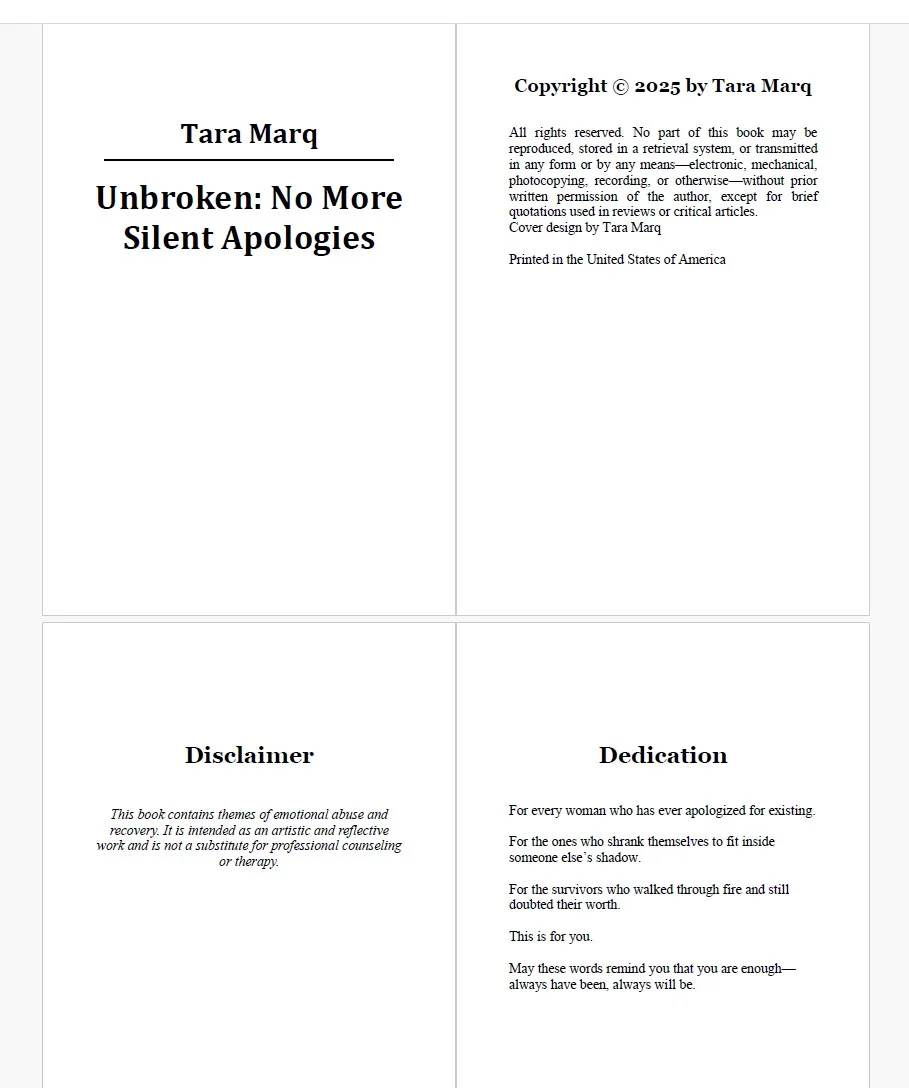
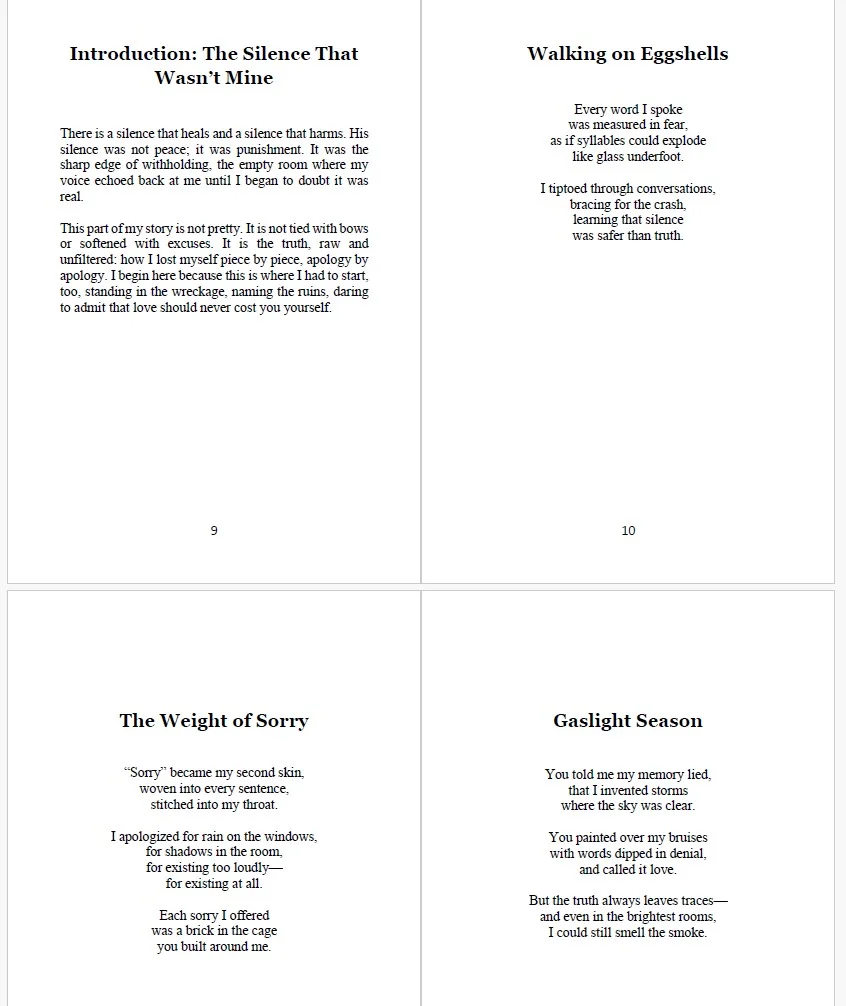
Use consistent fonts, chapter headings, and image placement. Embed fonts before exporting.
Step 4: Prepare Your Hardcover Cover File
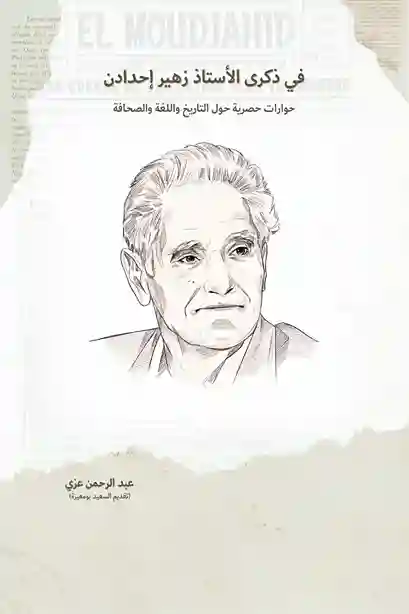
Create a single cover file that includes the front, spine, and back. Use KDP’s hardcover template to align images and text correctly. No removable dust jacket is required.
Step 5: Export & Preview
Export interior as PDF and jacket separately. Always preview in KDP's hardcover previewer to check alignment.