Formatting an eBook is different from formatting a print book. eBooks use reflowable text, which means the content adjusts automatically to different screen sizes and devices.
Step 1: Use Simple and Clean Formatting
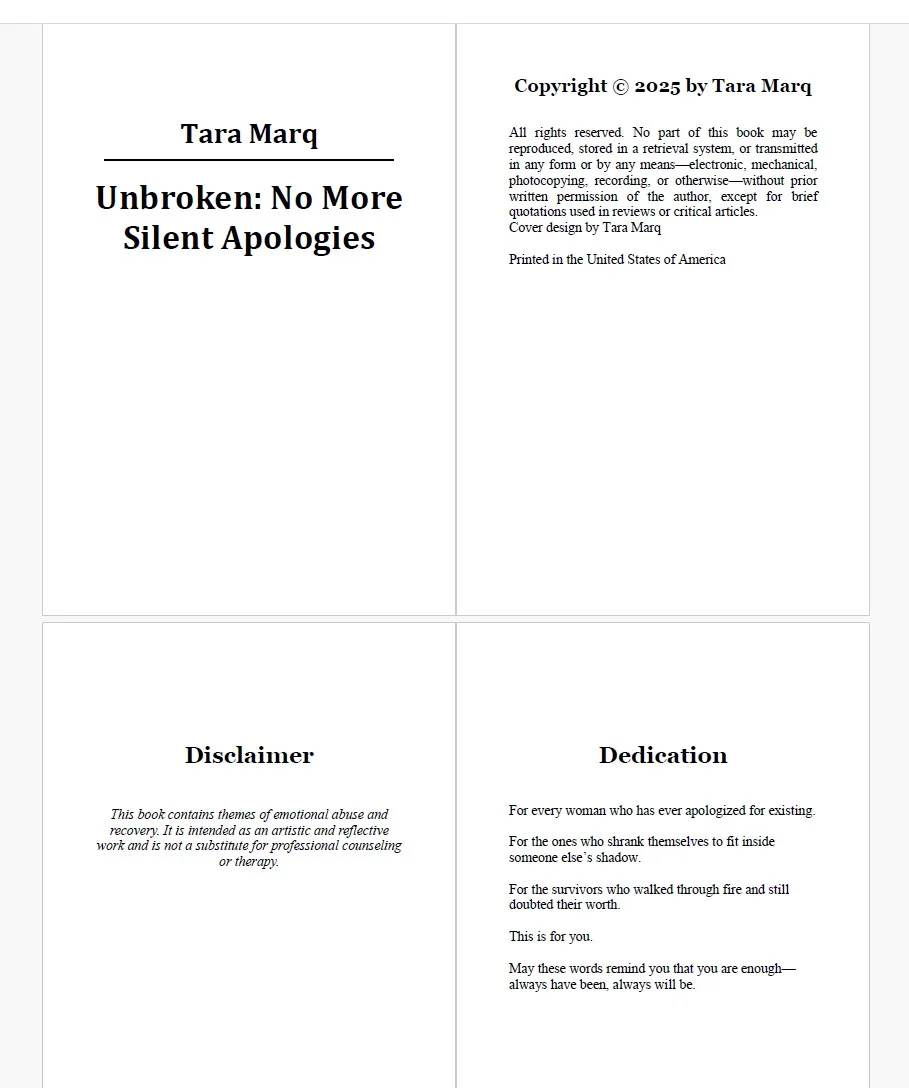
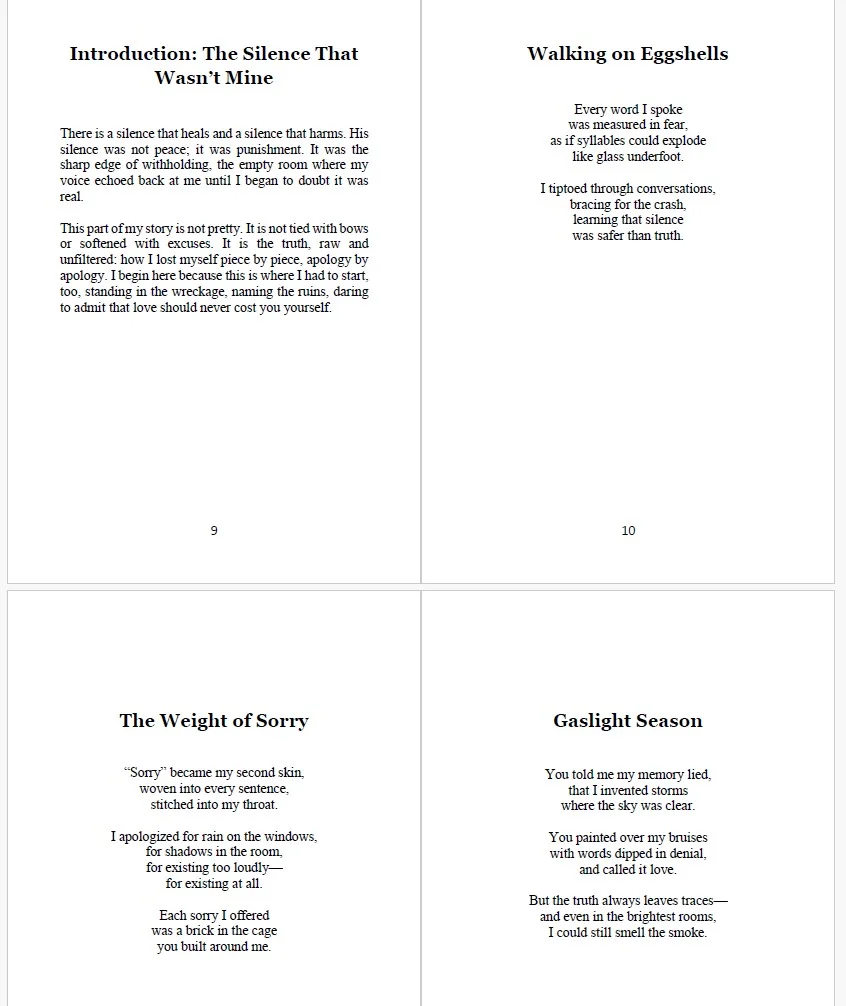
eBooks should avoid complex layouts. Use standard paragraph styles, avoid multiple fonts, and keep formatting simple so the text displays correctly on all devices.
Step 2: Use Proper Heading Styles
Use heading styles such as Heading 1 for chapter titles. This helps generate an automatic table of contents and ensures consistent structure.
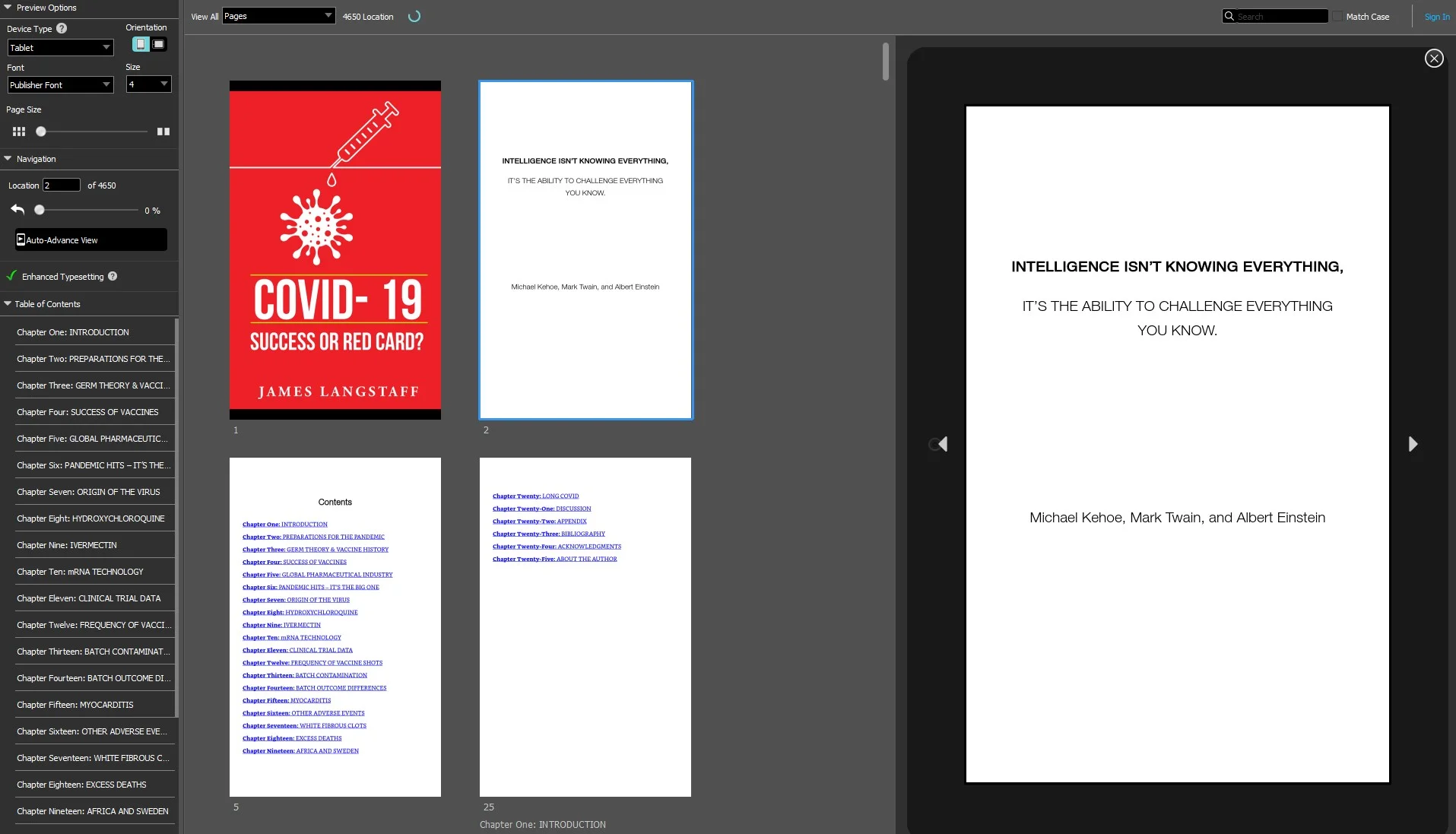
Step 3: Insert a Table of Contents
Most publishing platforms require a clickable table of contents so readers can easily navigate between chapters.
Step 4: Optimize Images
Images should be compressed and centered. Large images can increase the file size and cause formatting issues on some devices.
Step 5: Export as EPUB
EPUB is the most widely supported eBook format and works on platforms like Kindle, Apple Books, and Kobo.
If you want to learn advanced eBook formatting techniques, you can explore helpful guides available on Amazon.
Recommended Resource: Check this Amazon guide for eBook formatting .